Pause before the scroll.
A gentle pause before the apps you pick, so opening them is a choice. Free on iPhone, Android and Chrome.
- No ads
- No account needed
- History stays on your device
How it works
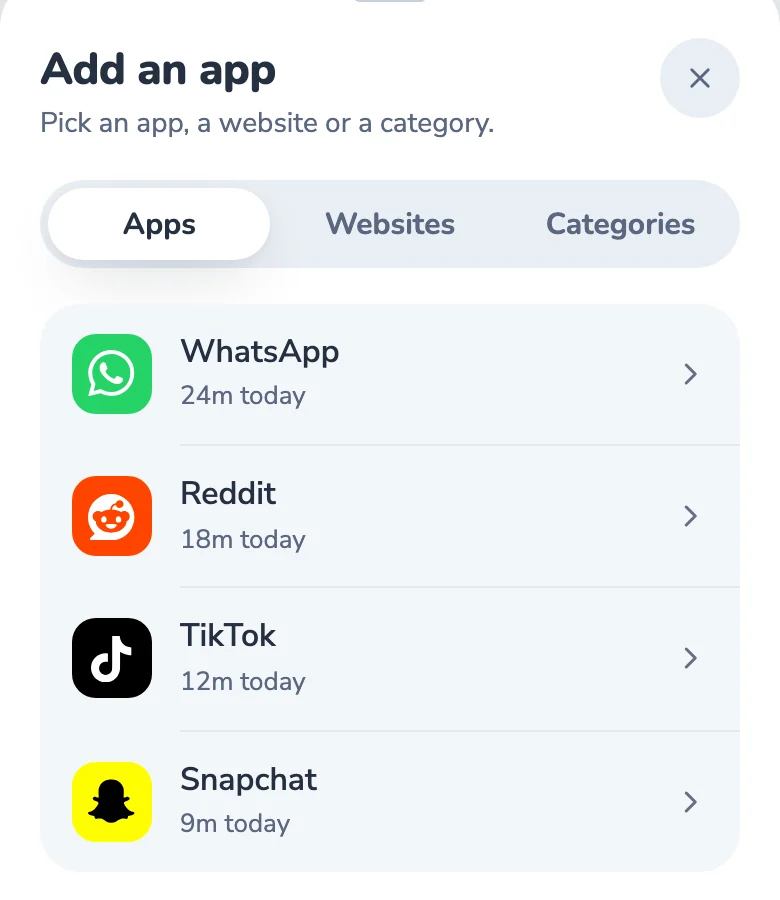
Pick your apps
Choose the ones that eat your day.
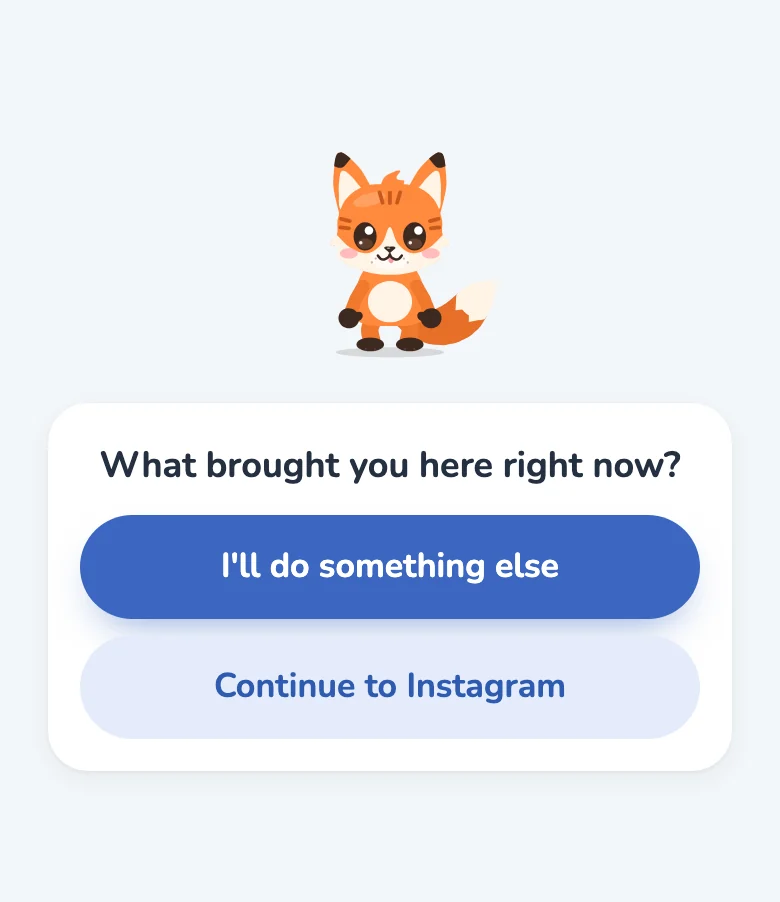
Get a short pause
A moment before they open.
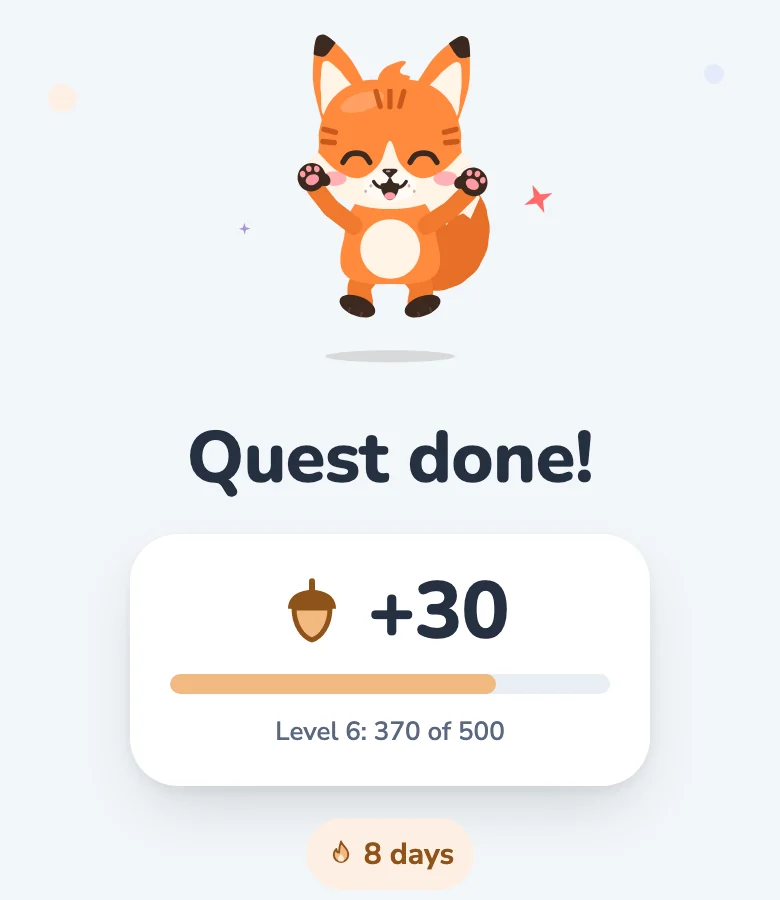
Choose
Leave, or carry on, on purpose.


- 1
Pick your apps
Add the ones that eat your day, and give each a limit.
- 2
Get a short pause
Open one, and a pause comes first: a breath and a question.
- 3
Choose
- Walk away, and earn acorns
- Snooze pauses for 10 minutes
- Or carry on, on purpose
One small pause changes the day
- Without a pause: “Five more minutes” becomes an hour With Respite: You catch it before the spiral
- Without a pause: Evenings lost to the feed With Respite: Evenings for books, walks and people
- Without a pause: Waking up straight into notifications With Respite: Mornings on your own terms
- Without a pause: Guilty, but unable to stop With Respite: Proud of small wins that add up
More than a pause
Every feature


- Limits and schedulesDaily limits and quiet hours you can keep.
- Focus sessionsBlock your apps for 15 to 90 minutes.
- Streaks and acornsKept days add up. Walking away earns acorns.
- InsightsTime per app, by day, week and month.
- SyncOne account on your phone and computer.
- Bring your own AIPlusAsk Claude or ChatGPT about your real usage.
Wherever you scroll
Free on all three. Each works on its own, no account needed.
iPhone
iOS 17.4 or later
- Built on Screen Time
- Three ways to pause
- App lock at your limit
Android
Android 8.0 or later
- Pause before apps
- Reels and Shorts block
- Home screen widgets
Chrome
On your computer
- Pause before sites
- Focus mode
- Time per website
Respite Plus is optional: sync on every device, longer focus and more. Free or Plus
Your history stays with you.
Where do you stand?
Free, private, nothing stored.
From the blog
All articles


Questions
What is Respite?
Respite: Screen Time Control is a free screen time app for Android, iPhone and Chrome by Intently. It puts a short pause before the apps and sites you pick, with limits, streaks and a free game layer. Respite Plus adds sync and lets you connect your own AI (Claude, ChatGPT, Cursor) over MCP.
Is Respite free?
Yes. Respite is free on iPhone, Android and Chrome, with no ads. The pause, usage tracking, daily limits and streaks all work without paying. An optional upgrade, Respite Plus, adds sync on every device, unlimited schedules, longer focus sessions, richer insights and bring your own AI. At the time of writing Plus is $4.99 a month, $29.99 a year or $59.99 once; prices vary by country.
Does Respite need an account?
No. The core features work without signing in. You only need an account (Google or Apple sign-in) if you want to sync across devices with Respite Plus. Without one, your usage history stays on your device.
Does Respite work on iPhone?
Yes. Respite is available for iPhone, Android and Chrome. The iPhone app is built on Apple's Screen Time, so the pause appears as Apple's Screen Time shield before the apps you pick, with daily limits and an app lock that refreshes at midnight.
How is Respite different from app blockers?
Blockers shut an app down. Respite puts a short, gentle pause in front of the apps you pick, so you open them on purpose instead of by reflex. You can leave or continue after a moment, and Respite also tracks usage, keeps streaks and lets you set daily limits.
Can I connect ChatGPT or Claude to Respite?
Yes, with Respite Plus. Respite has a built-in MCP server, so you can add it as a connector in Claude, ChatGPT or Cursor and ask about your real usage. If you allow it, your AI can also make your limits stricter; anything looser waits for your approval in the app. Respite runs no AI of its own.
Does Respite collect my data?
Your usage history stays on your device unless you turn on sync. Respite shows no ads and never sells your data. On iPhone, Apple's Screen Time keeps the apps you pick private, even from Respite. Each version's privacy policy lists exactly what it collects.
Try it on one app first
Free, no ads, about a minute to set up.
Download Respite