How to Stop Using Your Phone in Class (and Keep It)
How to stop using your phone in class: keep it for messages, timers and notes, park it out of reach, and put a pause before the apps that eat study time.
The short answer
To stop using your phone in class, decide what it is for at school (messages, timers, notes), then make everything else harder to get to: phone on silent and in your bag, social apps off the home screen, and a pause or a school-hours schedule on the apps that eat your attention. Follow your school's phone rules first; they do part of the work.
- Sort your apps into three groups: what school needs, what can wait, and what eats your attention.
- Distance beats willpower: a phone in your bag gets checked far less than a phone on the desk.
- Move social and video apps off the home screen and turn their notifications off for school hours.
- A pause before social apps catches the reflex tap; a school-hours schedule closes them outright.
- Respite is free with one schedule, enough for a school-day window; Respite Plus adds more.
You sit down, open your notes, and your phone is right there by the pen. One buzz, one glance, and you look up ten minutes later having missed the part the teacher said would be on the test. You were not even enjoying it much.
You probably can’t leave the phone at home, and you don’t need to. The goal is a phone that does school jobs during class and keeps the rest for later.
Why is it so hard to stop using your phone in class?
It is not because you lack discipline. The setup is doing most of the work.
- It is within reach. A phone on the desk asks to be checked every time your attention dips, and in a long lesson it dips a lot.
- Class takes effort; the feed takes none. Following a hard explanation is work. Scrolling is easy, so your brain leans that way when the lesson gets slow or confusing.
- Notifications keep asking. Every buzz is a small “what if it’s important?” You check, it isn’t, and now you’re in the app anyway.
- The check is a reflex. After enough repeats, the hand gets there before you decide anything. Our post on why willpower fails against phone habits explains why trying harder to resist rarely fixes a reflex.
So the fix is mostly about where the phone is and how many steps stand between you and the apps that pull you in.
What does your phone actually need to do during class?
Start here, because “never touch your phone” is a rule you will break by second period. Sort your apps into three groups instead:
| Group | Examples | What to do in class |
|---|---|---|
| School needs it | Timetable, calendar, timer, notes, class or family messages | Keep it on the home screen |
| Can wait | Group chats, email, games, shopping | Notifications off until the break |
| Eats your attention | Social feeds, short videos, YouTube | Off the home screen, with a pause or a schedule |
Most of what makes the phone useful at school sits in the first row. Most of what makes it a problem sits in the third. Once you see that, “stop using my phone” becomes the smaller, easier job of “stop opening three apps during class”.
Where should your phone be during class?
Distance does more than any rule you make in your head. From strongest to weakest:
- Switched off or in a locker. Best when nothing on it is needed until lunch.
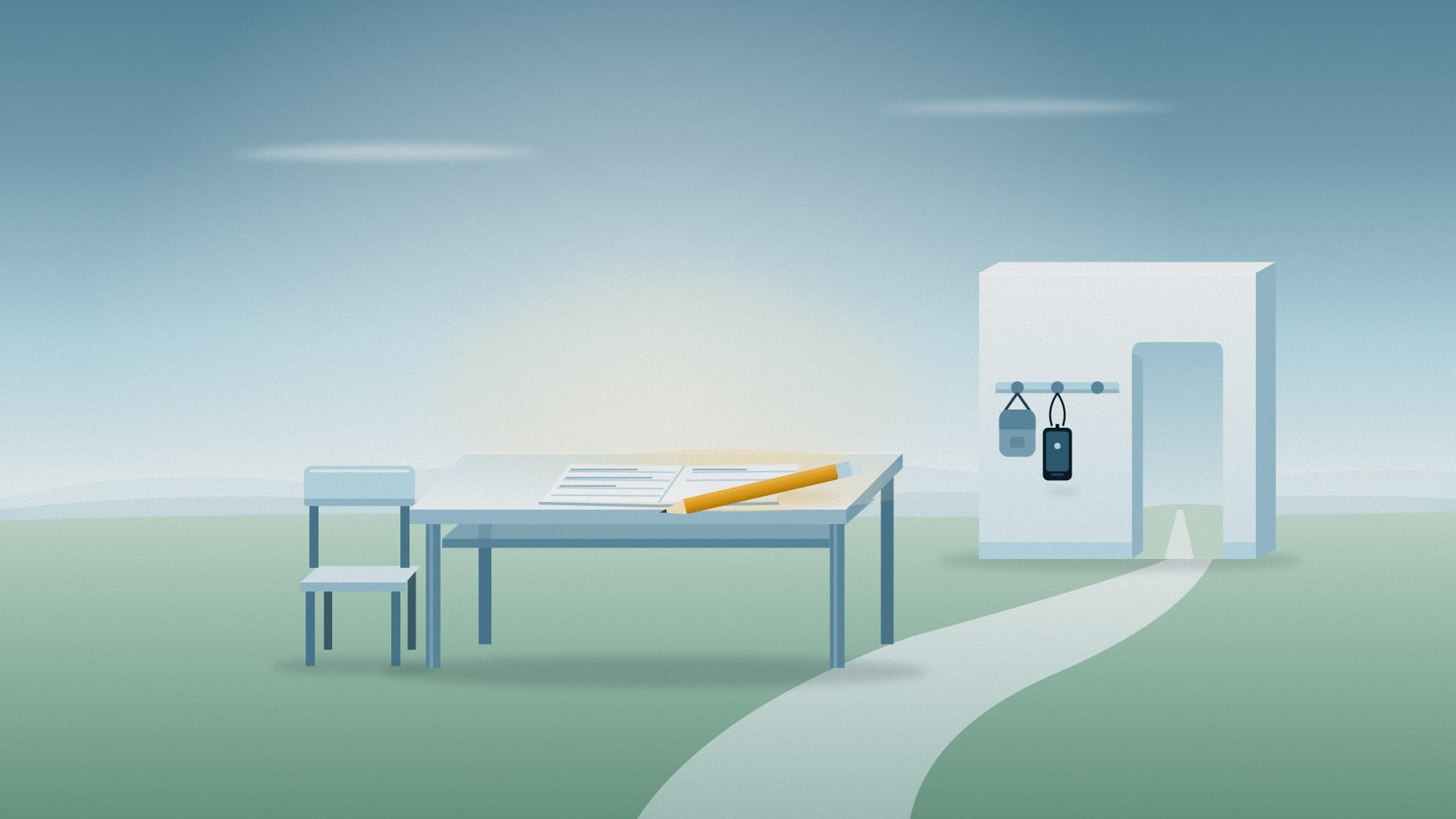
- On silent, in your bag. You can still get to it for a timer or a message from home, but a check now takes a zip, a reach and an unlock.
- In a pocket, on silent. Out of sight helps, though you’ll still feel it buzz.
- Face-down on the desk. Better than face-up, but it’s still the first thing your hand finds when the lesson slows.
Pick the strongest option your day allows, and set it up before class starts: deciding in the corridor is easy, deciding mid-lecture is not.
How do I make the distracting apps harder to open?
Once the phone is off the desk, make the apps in the third group a little less convenient.
- Clear the home screen. Move social and video apps into a folder on the last page. Leave the timetable, notes and timer where your thumb lands.
- Turn off their notifications, at least during school hours. Keep calls and messages from family on.
- Use a focus mode. iPhone Focus can silence apps on a school-day schedule, and Android’s Focus mode can pause the apps you pick on a schedule.
- Put a pause before the big three. A short, gentle pause before your social apps turns the reflex tap into a choice. Most of the time you’ll notice you’re in class and close it.
This is where an app helps. Respite puts a short pause before the apps you pick, on iPhone, Android and Chrome, and you can still open the app if you really need to. It’s free, and the free plan includes one schedule: set it to your school hours and it closes the apps you choose during that window. Unlike a pause, a schedule doesn’t lift if you snooze it, which is the point. If you want separate schedules for school days, homework and bedtime, Respite Plus adds unlimited schedules. Our guide to scheduling app blocking on iPhone and Android walks through the setup.
A good split: a schedule on the one or two apps that cost you the most, and a pause on everything else in the third group.
What are the rules in your class, and how can they help?
Many schools and teachers already have phone rules: phones in bags, phones in a box at the door, or phones only for specific tasks. It’s tempting to see the rule as the enemy. It’s easier to treat it as free help.
- If phones are banned in class, the rule already does the hard part. Your job is the in-between times, so the break doesn’t become a scroll you carry into the next lesson. Our list of healthy alternatives to scrolling has ideas for breaks.
- If phones are allowed for schoolwork, decide what that means for you (“timer and notes only”) and set up the home screen to match.
- If you’re at university and nobody checks, you are the rule. Pick a spot for the phone before each lecture and stick to it.
If you need your phone for something specific, like a family situation or a medical app, talk to your teacher or student support. Most would rather know than guess.
What do I do when the urge hits mid-lesson?
It will hit, usually when the material gets hard or slow. Have a plan for that moment:
- Notice it and name it. “I’m bored” or “I’m lost” is useful information. Lost? Write down the question to ask. Bored? Write the next line of notes anyway.
- Give your hands a job. Take handwritten notes, draw a diagram, or underline the key word. Keeping your hands busy makes it harder for them to drift to the phone.
- Set a check-in time. Tell yourself you’ll check at the break, then do. Knowing there’s a set time takes the edge off “what if I’m missing something?”
Here’s a hypothetical example. Maya keeps her phone face-down on the desk and checks it “just for the time” a dozen times a lesson, landing in a feed about half the time. She moves it to her bag, wears a cheap watch for the time, and puts a pause before her two social apps from 8:30 to 3:30. The next week she still reaches for her bag now and then, but the extra steps mean she usually stops before she gets that far.
What if you take notes on your phone or laptop?
Taking notes on a device is fine where your school allows it, but your notes sit one swipe away from everything else.
On a phone, keep the notes app on the home screen and the third-group apps in that last-page folder, with notifications off. On a laptop, open only the tabs the class needs, and keep social sites closed. Respite’s Chrome extension can put the same pause before the websites you pick, so a quick look at a social site during a lecture becomes a choice too. For a wider look at study tools, see screen time apps for students.
When is it more than a habit?
Sometimes the pull to check is about more than the phone. If focus is hard for you everywhere, not just in class, our guide to phone use and ADHD may help, and a doctor or your school’s support service can talk it through properly. If you check because you’re worried about something, a counsellor or a trusted adult is worth talking to. This article isn’t medical advice.
Next step
Tonight, sort your apps into the three groups and move the third group off your home screen. Tomorrow, put the phone in your bag before the first lesson. If you want a pause or a school-hours schedule on the apps that still pull you in, download Respite; it’s free on iPhone, Android and Chrome.
Related Articles:
Frequently asked questions
How do I stop checking my phone during lectures?
Make the check take more than one move. Put the phone on silent in your bag rather than on the desk, move social apps off the home screen, and turn their notifications off during class. If you still reach for it, add a short pause before those apps so the reflex tap becomes a choice. Then give yourself a set time to check, such as the break between classes.
Should I turn my phone off in class?
You can, and it is the simplest option if nothing on it is needed until the end of class. Many students do need it for a timetable, a timer or a message from family, though. In that case, silent mode plus the phone in your bag works almost as well, as long as the apps that tempt you are a few taps away and their notifications are off.
Why can't I stop using my phone in class?
Because the phone is right there, the lesson asks for effort, and a feed asks for none. Every buzz is a small invitation, and checking quickly turns into a habit you do without noticing. It is not a character flaw. Changing where the phone sits and how many steps it takes to open a social app does more than trying harder to resist.
What apps help students stop using their phone in class?
Look for an app that slows down the apps you lose time to, rather than locking the whole phone. Respite, for example, is free on iPhone, Android and Chrome and puts a short pause before the apps you pick, with one schedule on the free plan for school hours. Apple Screen Time and Android Digital Wellbeing also offer app limits and focus modes.
Is it okay to use my phone for notes in class?
It can be, if your school allows it. The risk is that the note app sits one swipe away from everything else. Keep the notes app on your home screen and move social and video apps to a folder on the last page. If you take notes on a laptop, a pause before distracting websites in the browser covers the same gap.
Keep reading